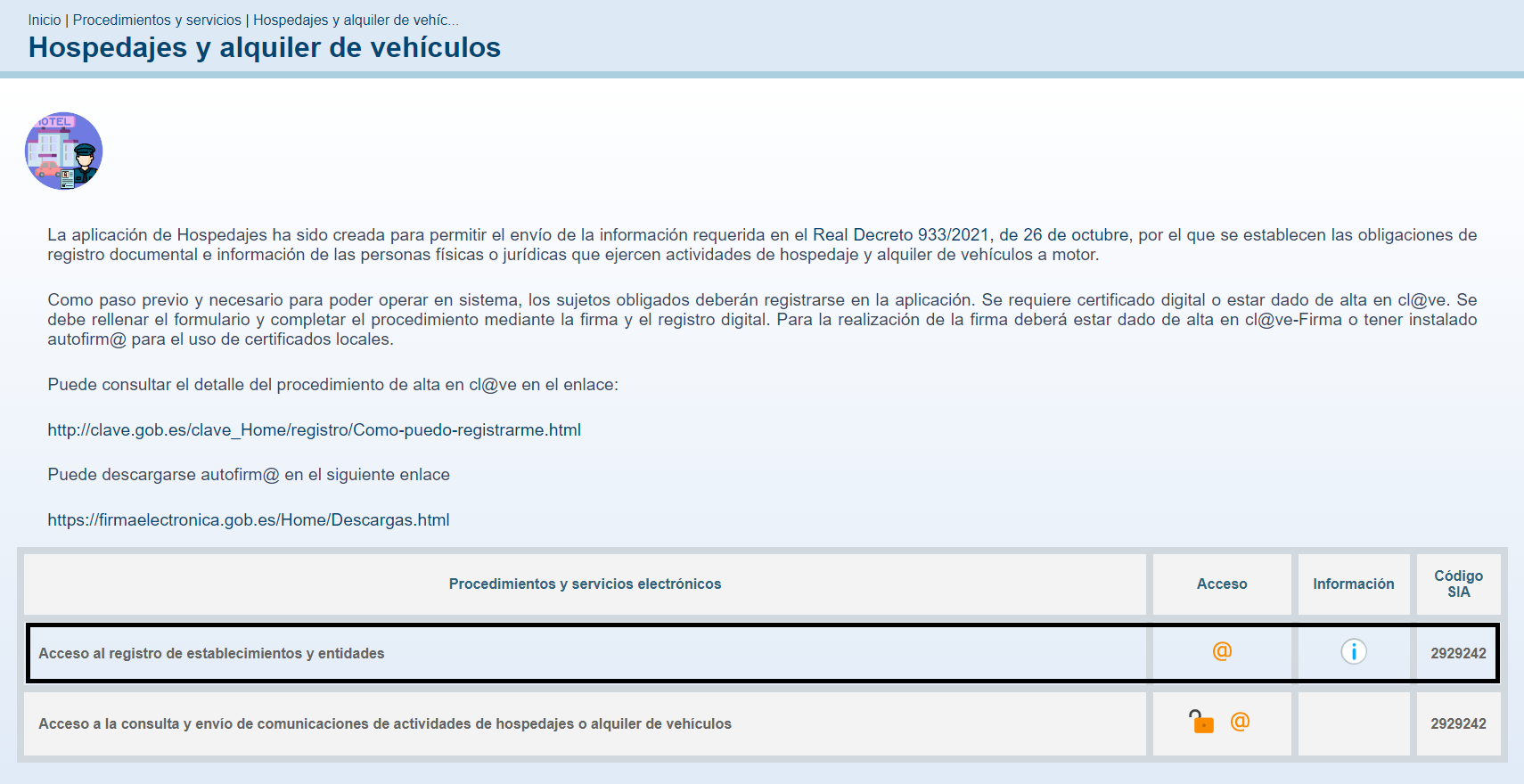
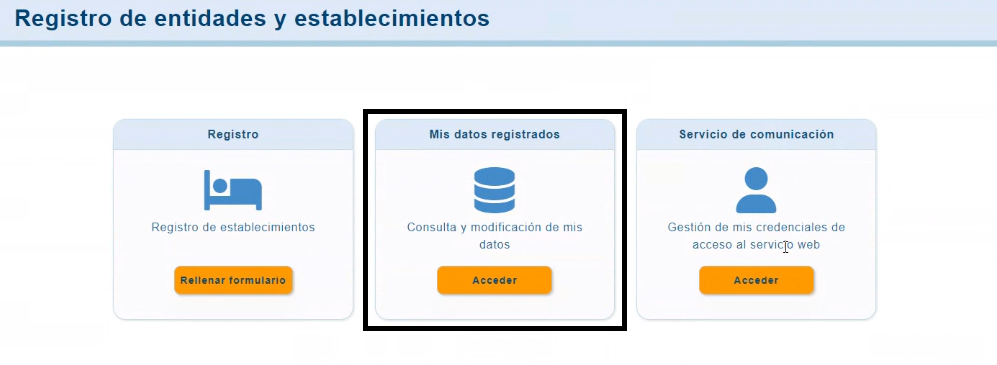
Go to the section "My registered data":
It's essential to check that the option "Web service communication sending" is enabled. If it's not, enable it and save the settings. You will then receive an email automatically. The code that appears on the right is your Lessor Code.
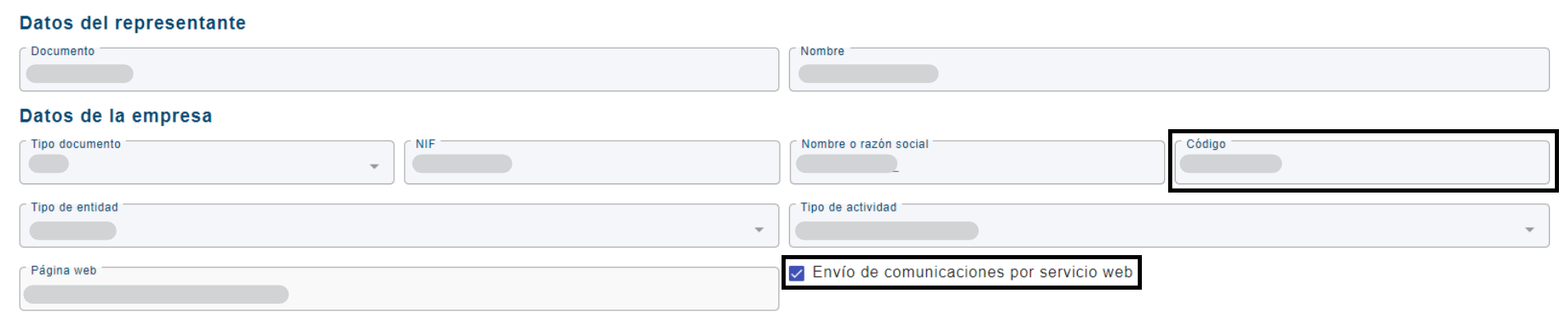
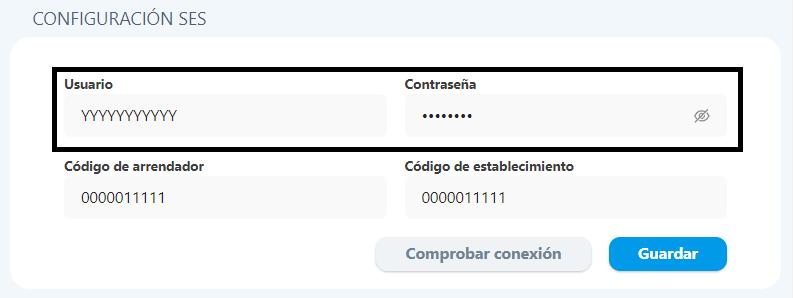
Enter the "Code" in the "Lessor Code" field in the Civitfun Dashboard.
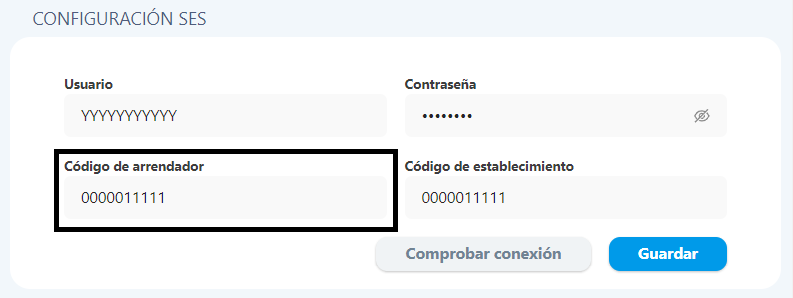
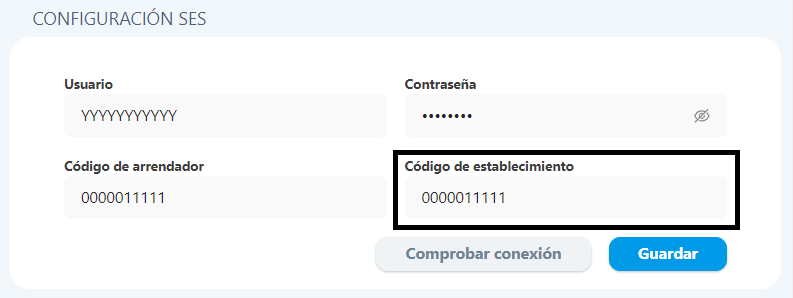
The establishment codes are also available in this section.

Enter the "Code" in the "Establishment Code" field in the Civitfun Dashboard.
If you do not receive the email, you must go to the "Communication Service" section to access your username and password. Please note that this section will only appear once the "Web service communication sending" option is enabled.
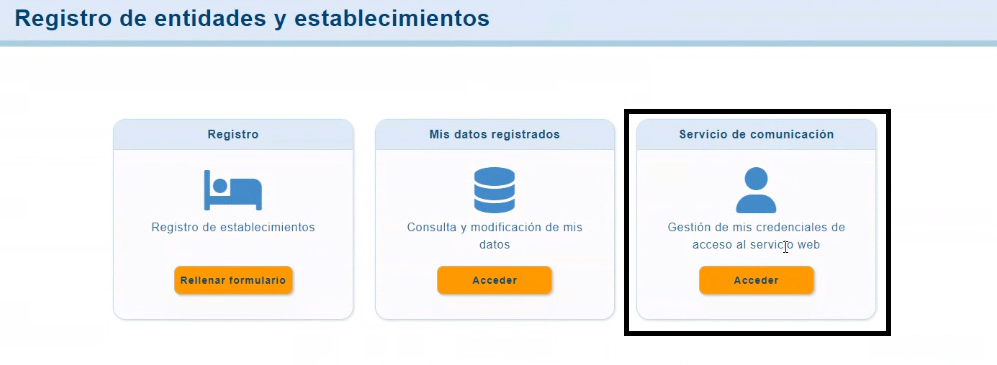
In this section, you will see your username. To get your password, click on "change password" and create a new one.

Enter your "Username" and "Password" in the corresponding fields in the Civitfun Dashboard.